Why your Chromecast won't play an MKV
MKV is a container: a box that holds a video track, one or more sound tracks and subtitles. Whether a TV can play it depends on what's inside the box.
- The video. Chromecasts handle H.264, and the newer ones HEVC and VP9. Older MKVs often hold DivX, Xvid, MPEG-2 or 10-bit H.264, which no Chromecast decodes.
- The sound. Films often come with DTS or Dolby TrueHD. Chromecast doesn't play either, so you get a picture and no sound.
- The subtitles. Subtitles from a Blu-ray or DVD are pictures, not text. A Chromecast can't show them.
The slow fix: convert MKV to MP4 first
The usual advice is to run every file through a converter like HandBrake before you watch. It works, but a film takes anywhere from ten minutes to an hour, uses gigabytes of extra disk space, and you choose quality settings without knowing what your TV actually needs. Often the video was fine and only the sound needed changing.
The quick fix: play it as it is
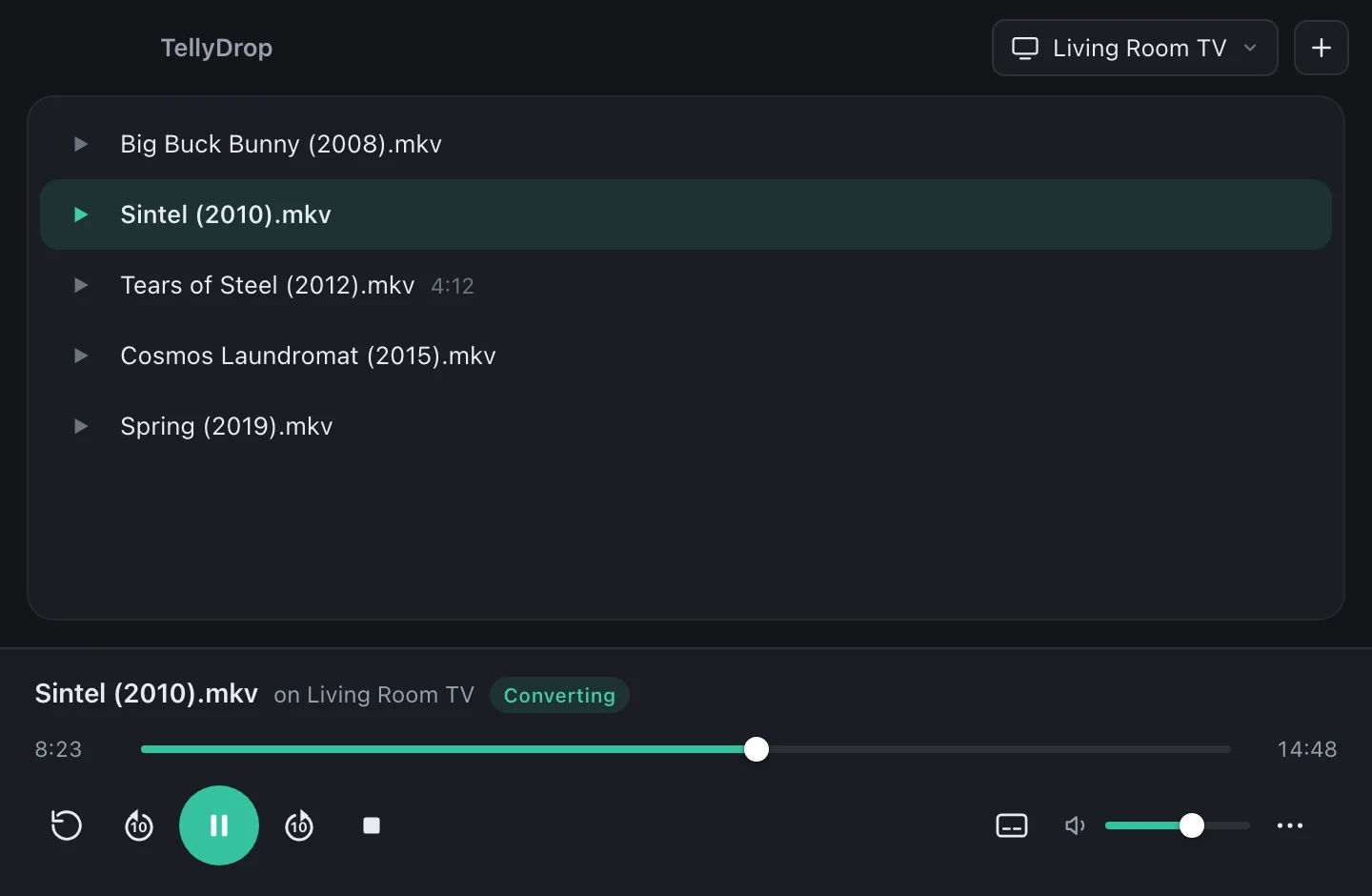
TellyDrop does the conversion while the film plays, and only where it's needed. Drop the MKV onto the window, pick your TV, press play. It starts within seconds, because your Mac's video hardware does the heavy work.
What happens to your file
| Inside the file | What TellyDrop does | Quality |
|---|---|---|
| MP4 with H.264 and AAC | Sends it to the TV as it is | Original |
| MKV with H.264 or HEVC | Rewraps it for the TV while it plays | Original |
| MKV with DTS or TrueHD sound | Keeps the picture, turns the sound into Dolby Digital 5.1 or stereo | Original picture |
| AVI with DivX or Xvid | Converts the video with your Mac's hardware | Converted |
| Blu-ray or DVD subtitles | Draws them onto the picture | Converted |
| HDR film, TV without HDR | Converts the colours so they don't look washed out | Converted |
AVI, DivX and the rest
The same goes for AVI and DivX files from the 2000s, WMV, MPEG, VOB from DVDs and M2TS from camcorders and Blu-rays. TellyDrop opens 24 file types. If your Mac can open the file, TellyDrop can play it on your TV.
Try it with your own files
The free version plays the first 20 minutes of every video, with every feature. Unlock it once for €14.99 to watch everything.
See pricingQuestions
Can a Chromecast play MKV files?
Sometimes. A Chromecast can play the video inside many MKV files, but not the MKV wrapper itself from most sources, and it can't play DTS sound or picture subtitles. An app that rewraps or converts the file as it plays gets around all three.
Do I lose quality when TellyDrop converts an MKV?
Usually not. When the picture is already in a format your TV supports, TellyDrop keeps it untouched and only rewraps it, or converts just the sound. The picture is only re-encoded when the TV truly can't play it.
Does it work with 4K and HDR MKV files?
Yes. A 4K HEVC file plays as it is on a Chromecast that supports 4K. For TVs without HDR, TellyDrop converts HDR so colours look right.